
Pipeline
How GOYEXA streams GTA VI
Heavy frames are rendered on a console in the datacenter — your phone or Windows PC becomes the display and controller.
- 01
Pick a plan
Street, Vice, or Leonida Elite — hours, queue, and stream quality for your pace.
- 02
Install the GOYEXA client
iOS, Android, or Windows 10/11. Sign in with your email. Stable link from ~15–40 Mbps.
- 03
Take a cloud slot
The system assigns a remote Xbox or PlayStation with GTA VI.
- 04
Play on phone or PC
Stream on screen — touch and gamepad on phone, or keyboard, mouse, and controller on Windows.
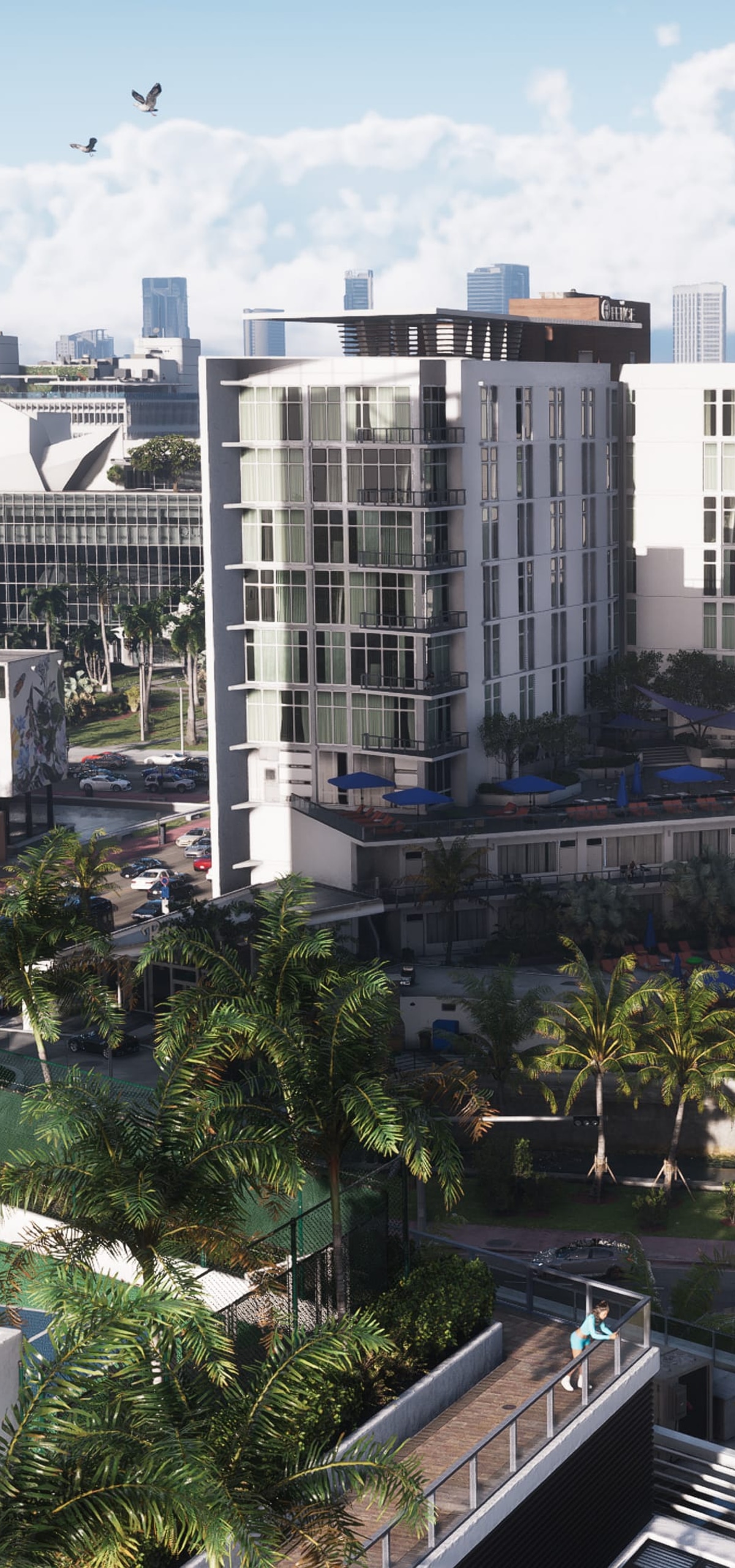

CONSOLE → ENCODE → PHONE
Xbox or PlayStation in the cloud
GOYEXA balances load across console pools — you pay for time in the GTA VI stream. At peak, queue priority follows your plan: Elite goes first, Street waits for a free slot.
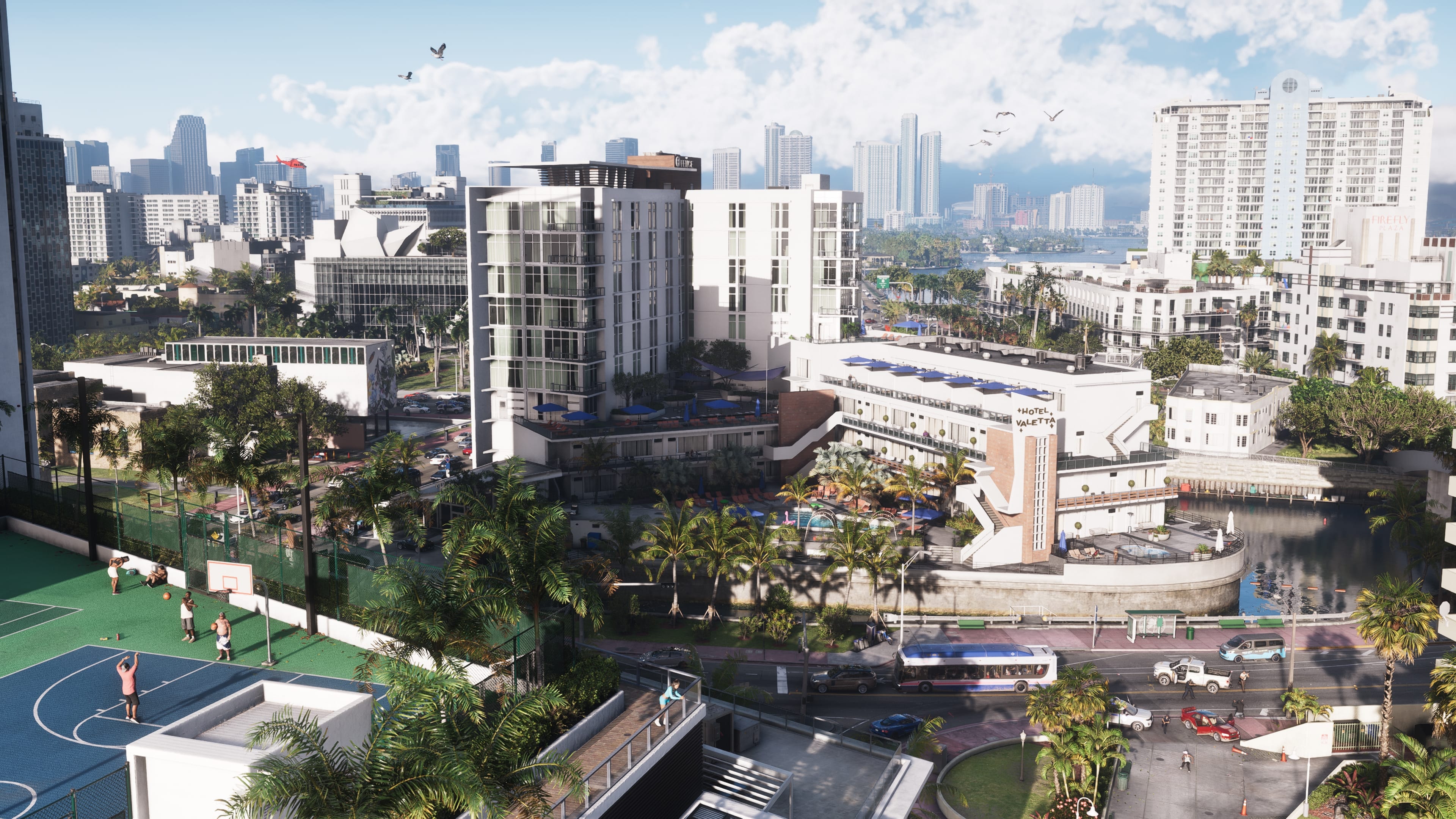
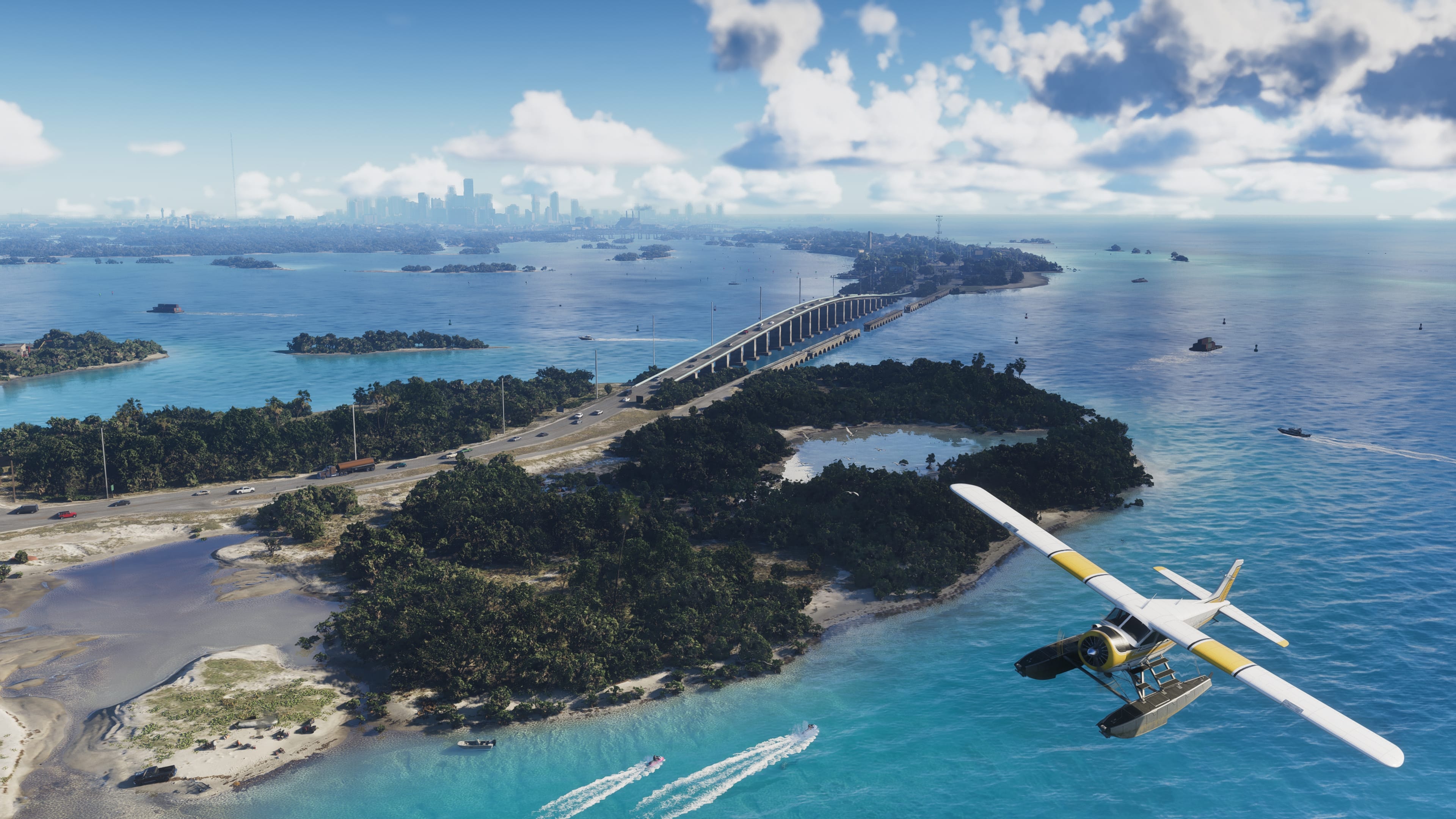

Want the full story?
Read the complete cloud guide
Devices, USD plans, network tips, and FAQs — on a dedicated page so this one stays focused on the steps.